Chat Log is a simple tool that allows you to share your OpenRouter chat logs with others – For example: https://cl.hmmmm.link/5FuhV3oS1L
How?
To start, export your chat logs from OpenRouter.
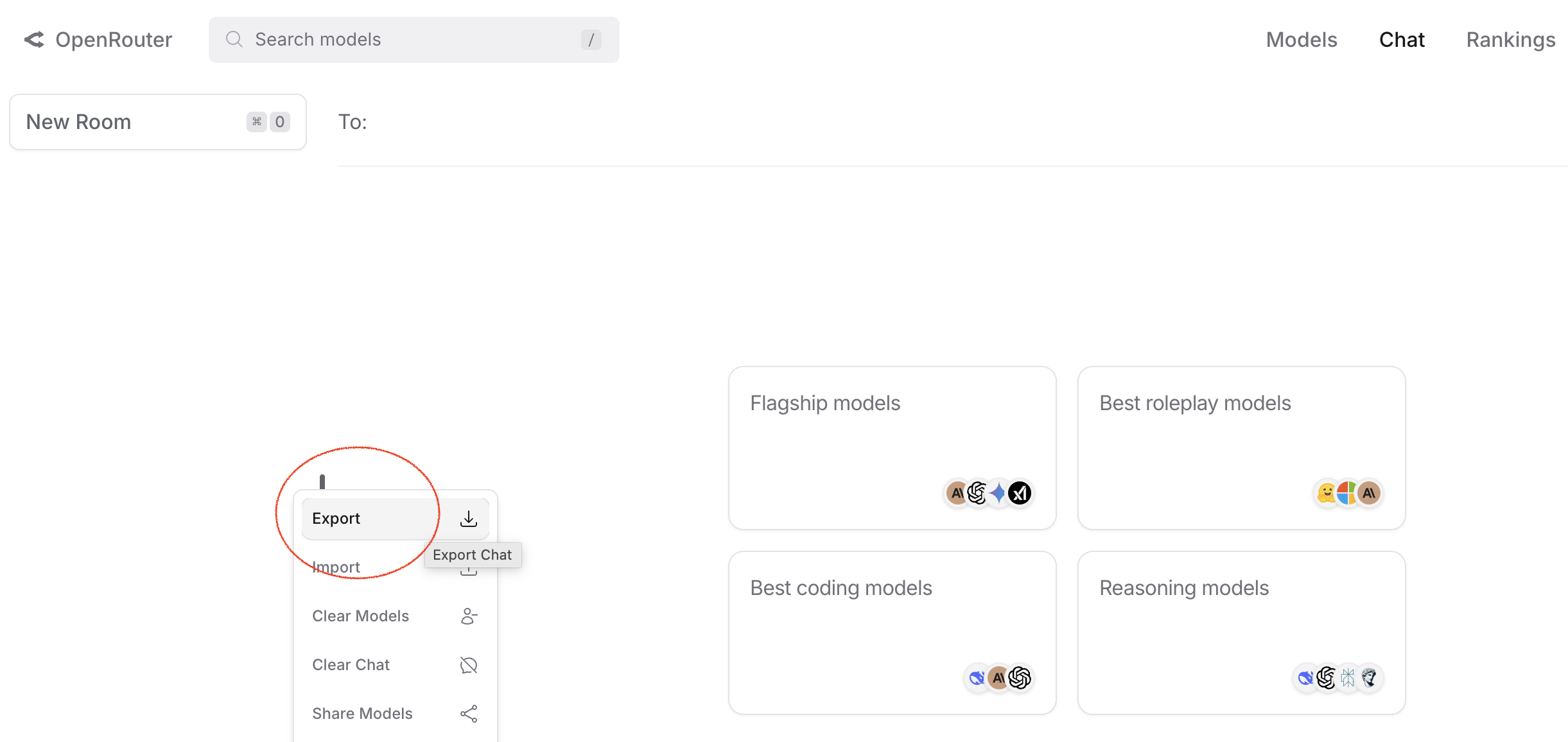
Then, either: 1) paste the chat logs into the text area or 2) drag and drop the json file to the text area, select the expiry time, then click submit.
This will generate a shareable link that you can send to others. When they click the link, they will be able to view the chat logs that you shared.
TnC
By using this service, you agree to the following:
- I'm not responsible for any data loss or other issues that may occur.
- I'm not responsible for anything caused by the content shared on this site.
- I'm not responsible for any incidents involving content shared on this site.
- In short, I'm not responsible for anything.
Contact
Haha, no.